What this is for
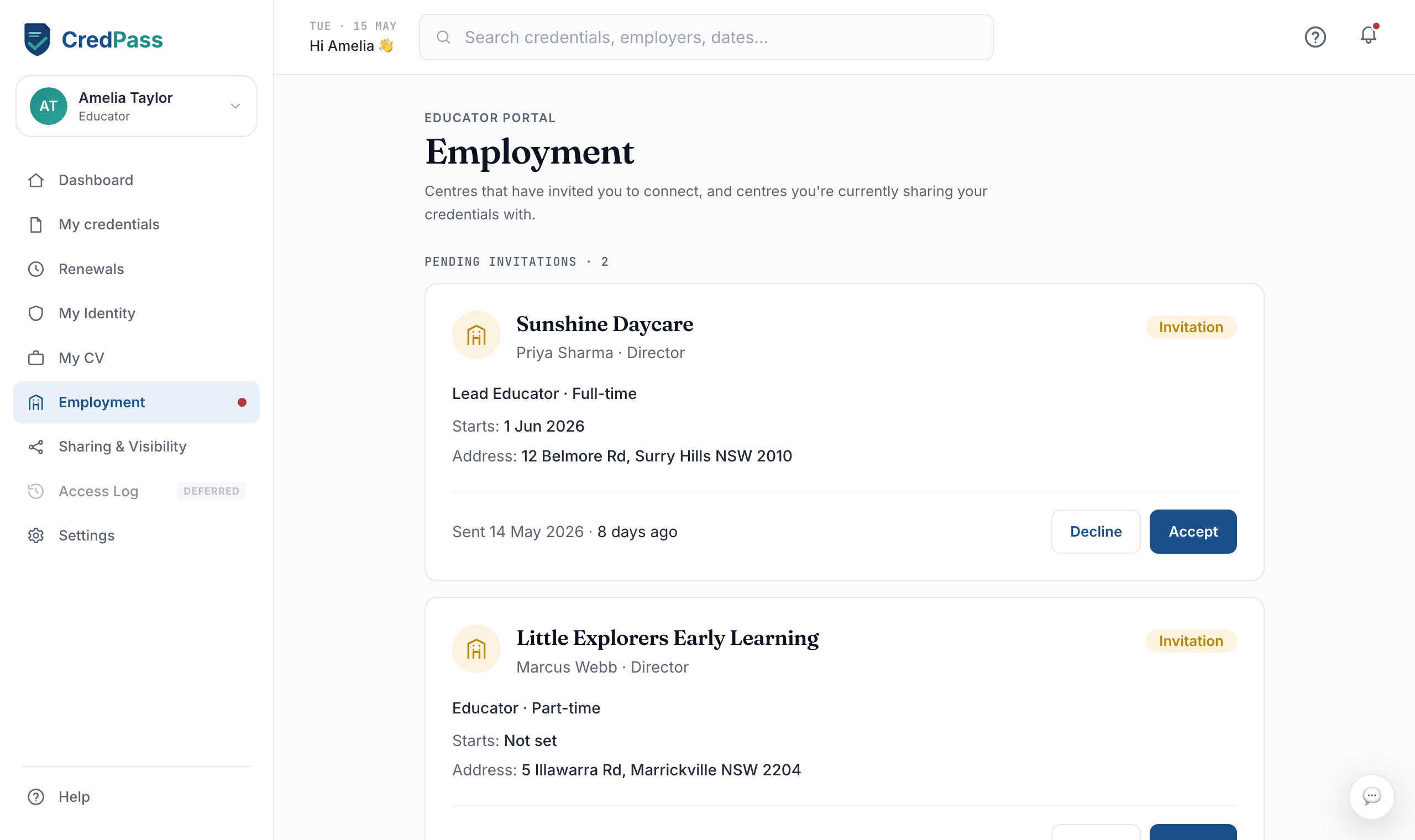
Employment is where you connect to the centres you work with. When a centre invites you, this is where you accept, and where you manage your current and past placements.
Key things you can do
Accept or decline an invitation from a centre
See the centres you are currently connected to
End a placement when you move on
Good to know
When you join a centre, that employer can see the credentials relevant to your role, so they can keep the centre compliant.
You can leave a centre at any time - it stops seeing your passport straight away.
A pending invitation shows a dot on the Employment menu until you respond.
Questions
How do I join a centre?
When a centre invites you, the invitation appears here and on your dashboard. Accept it to connect, or share your CredPass ID so the centre can invite you.
What can a centre see once I join?
A connected centre sees the credentials relevant to your role and their expiry, so it can stay compliant. It cannot see anything you keep private.