On this page
What this is for
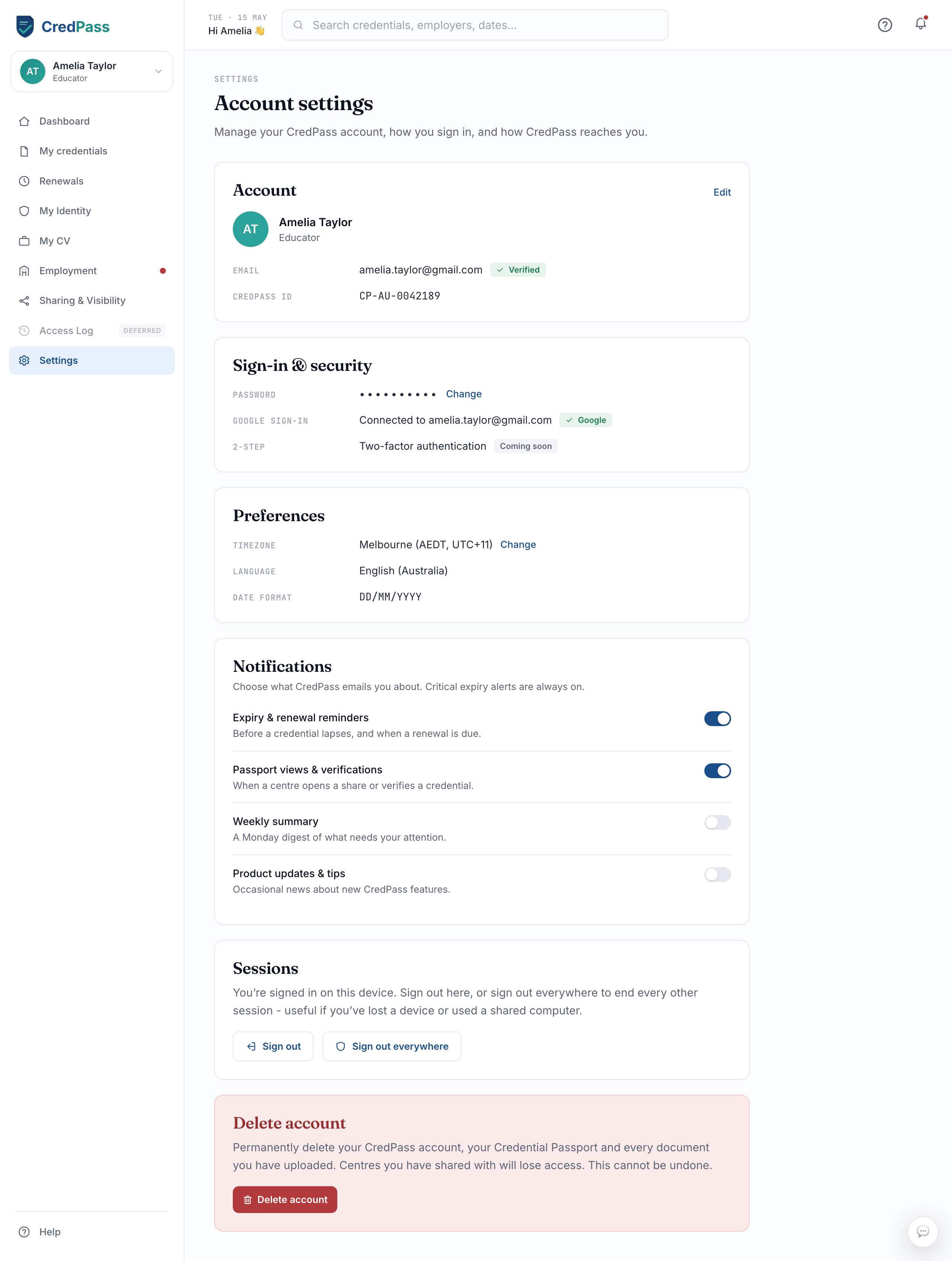
Settings is where you manage your CredPass account itself - your details, how you sign in, your preferences, and how CredPass reaches you. Your credentials and identity details live in their own sections; Settings is for the account around them.
Account
Your name, the email you sign in with, and your CredPass ID. A green Verified badge means your email is confirmed. Use Edit to change your name or email - if you change your email, CredPass sends a link to confirm the new address first.
Sign-in & security
Change your password, see whether Google sign-in is connected, and manage two-factor authentication (coming soon). Changing your password here signs you out on your other devices.
Preferences
Set your timezone, language and date format so reminders and dates show the way that suits you. Your timezone decides when daily reminders land.
Notifications
Choose which emails CredPass sends you - expiry and renewal reminders, passport views and verifications, a weekly summary, and product updates - by toggling each on or off. Critical expiry alerts are always on, so you never miss a lapse.
Signing out
Sign out ends your session on this device. Sign out everywhere also ends every other session - use it if you have lost a phone or signed in on a shared or public computer. Either way, you will sign in again next time.
Deleting your account
Delete account permanently removes your CredPass account, your Credential Passport and every document you have uploaded, and centres you have shared with lose access. This cannot be undone, so CredPass asks you to confirm before anything is removed. If you only want to step away for a while, signing out is enough.