What this is for
New to CredPass? This short tour walks you through the four things that get you up and running: set up your Credential Passport, add your first document, let CredPass track renewals for you, and share your credentials with a centre. About five minutes, start to finish.
Key things you can do
Step by step
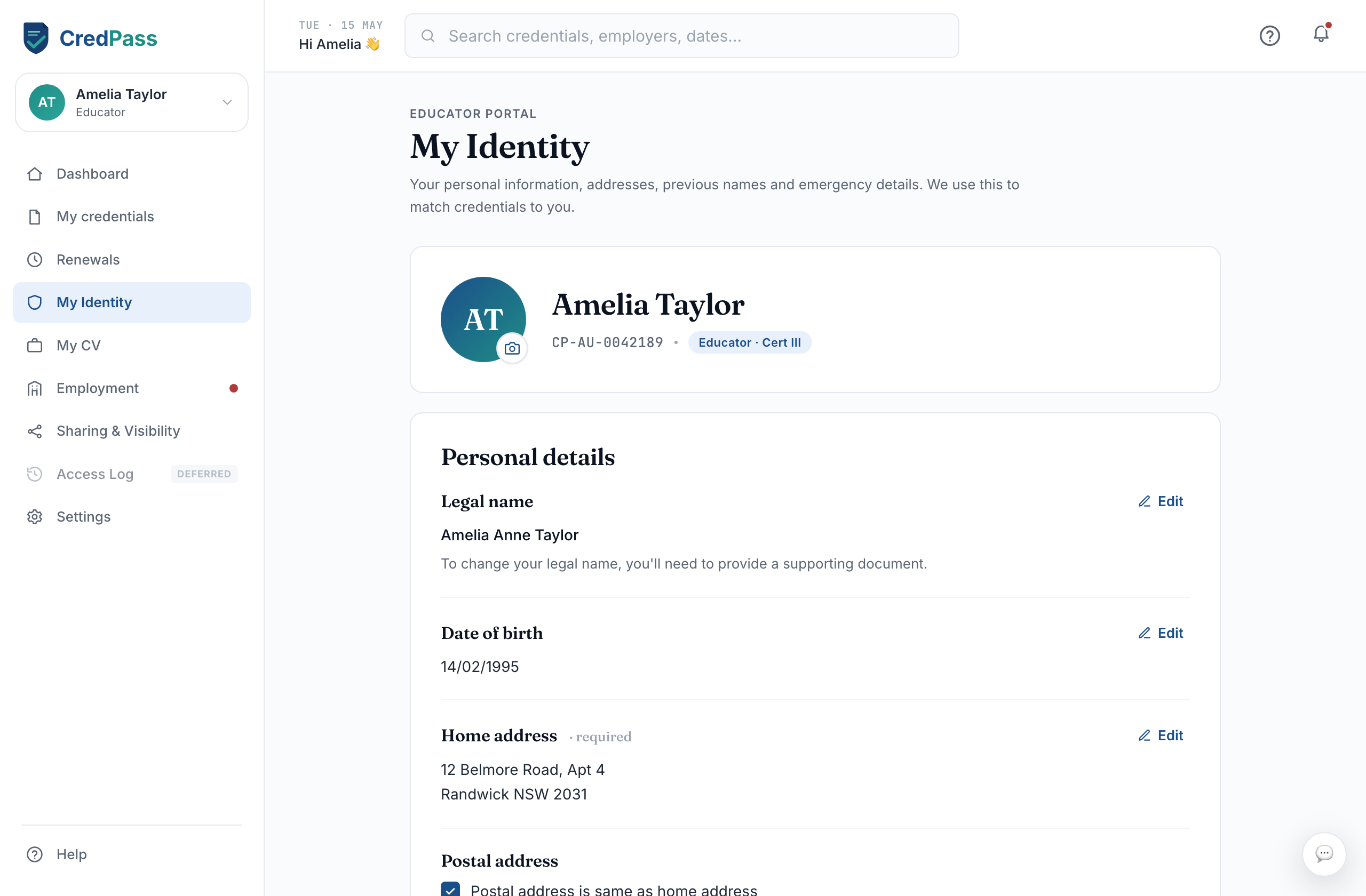
Add your legal name and identity details exactly as they appear on your documents. This is what CredPass uses to match every credential to you, so it is worth getting right.
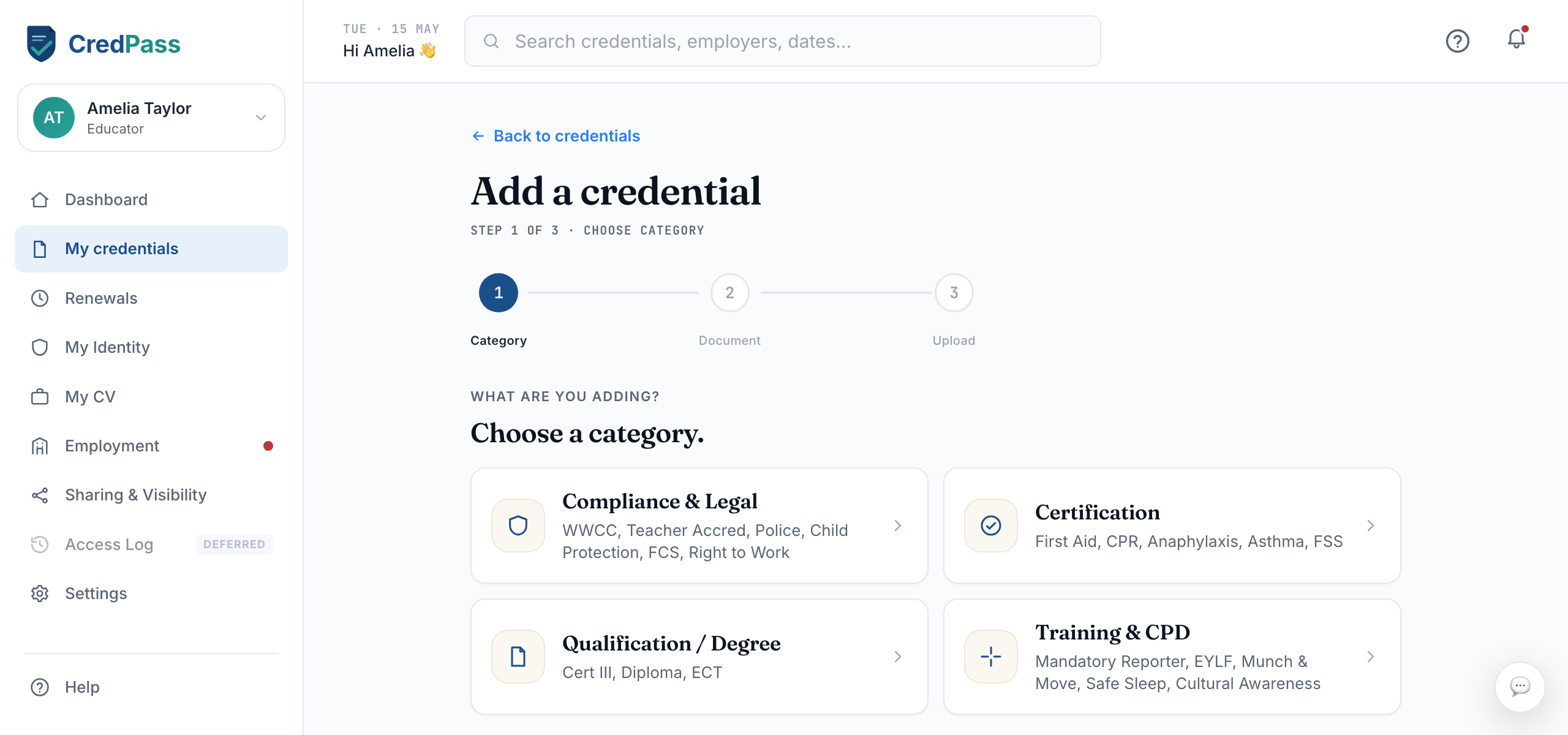
Go to My Credentials and select Add credential. Take a photo or upload a file - your Working with Children Check or First Aid is a good place to start. CredPass reads the issuer, number and expiry so you do not have to type them in.
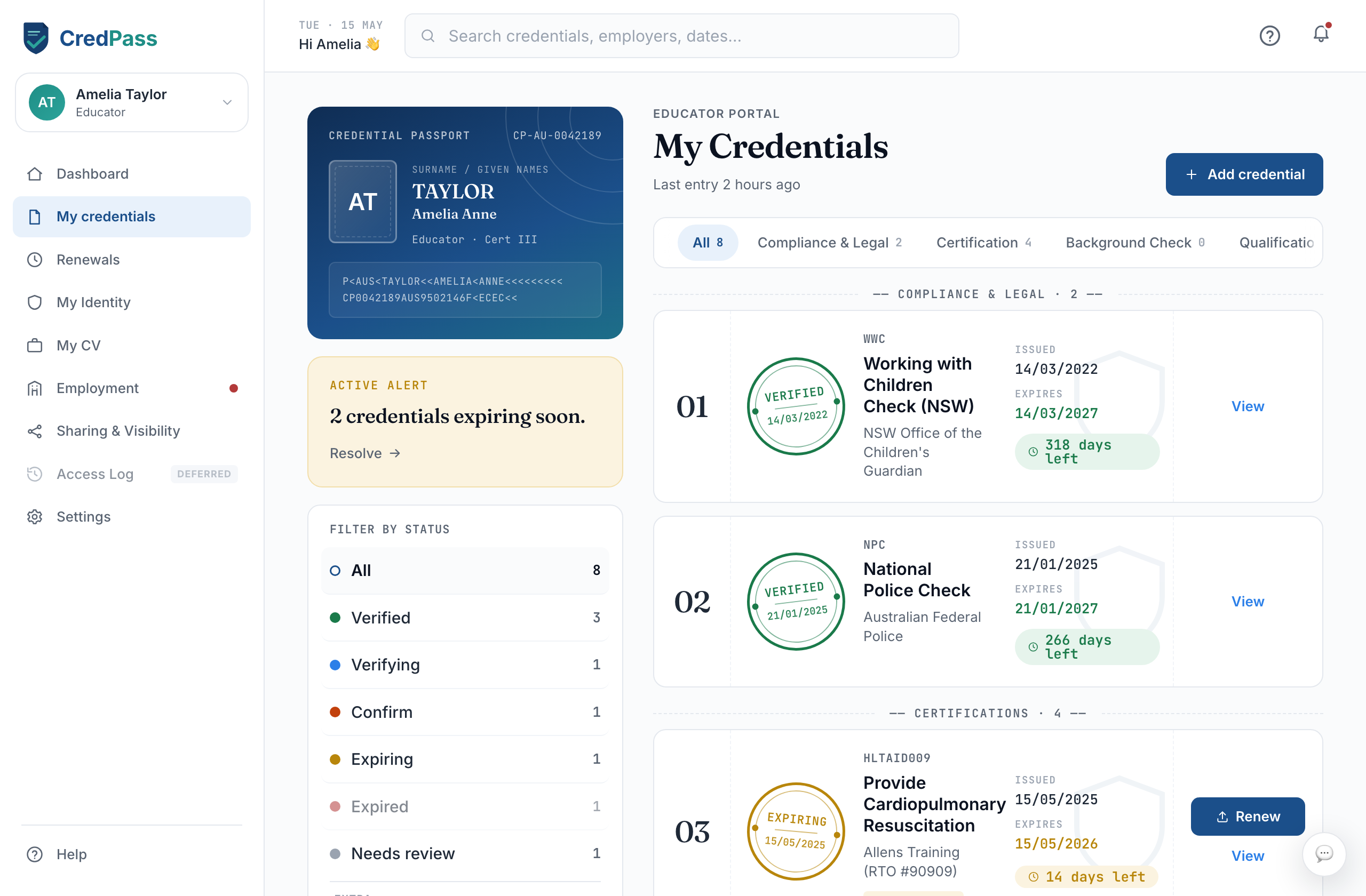
Once a credential is in, CredPass watches the expiry date and reminds you at 90, 30 and 7 days before it lapses. There is nothing to set up - it just happens.
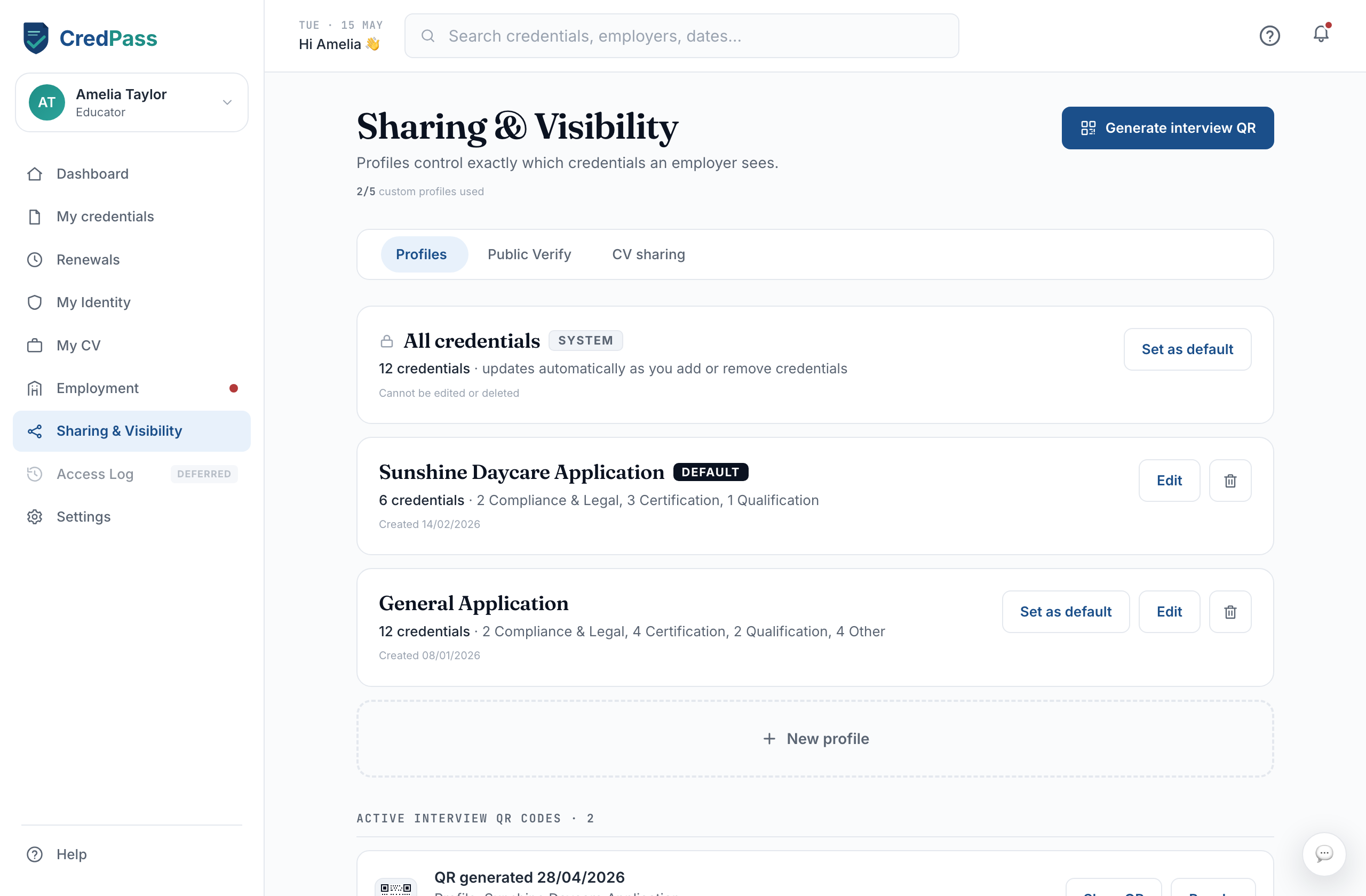
When you join a centre, they see the credentials relevant to your role. You can also share a verified snapshot yourself - a QR code or an interview link that shows only your current, valid documents.